AI LinkedIn Headshot Prompts + Profile Photo Styles
AI LinkedIn Headshot Prompts for Professional Profile Photos
PromptKosh is a free library of tested AI LinkedIn headshot prompts. Browse examples, compare corporate, founder, executive, student, and business-casual styles, then copy and adapt the look that fits your career goal for the AI image tool you prefer.
- 24+
- LinkedIn examples
- 4
- Generator steps
- 6
- Profile styles
Overview
What is an AI LinkedIn headshot?
An AI LinkedIn headshot is a professional profile photo made with an AI image tool and styled for LinkedIn. It should preserve your identity, keep your face clear, use realistic lighting, and present you in the context of the role you want.
People searching for LinkedIn headshots usually need one of four things: a generator, examples, profile photo styles, or practical guidance on outfits, backgrounds, poses, lighting, crop, and cost. This page brings those tasks together so you can compare visual options and start with the right style.
AI headshots are useful when your current photos are selfies, travel photos, group images, low-resolution images, or outdated pictures. PromptKosh helps you choose and copy LinkedIn profile-photo prompts for corporate, executive, founder, business casual, office, and minimal studio portraits.
Real examples
Real LinkedIn headshot example images
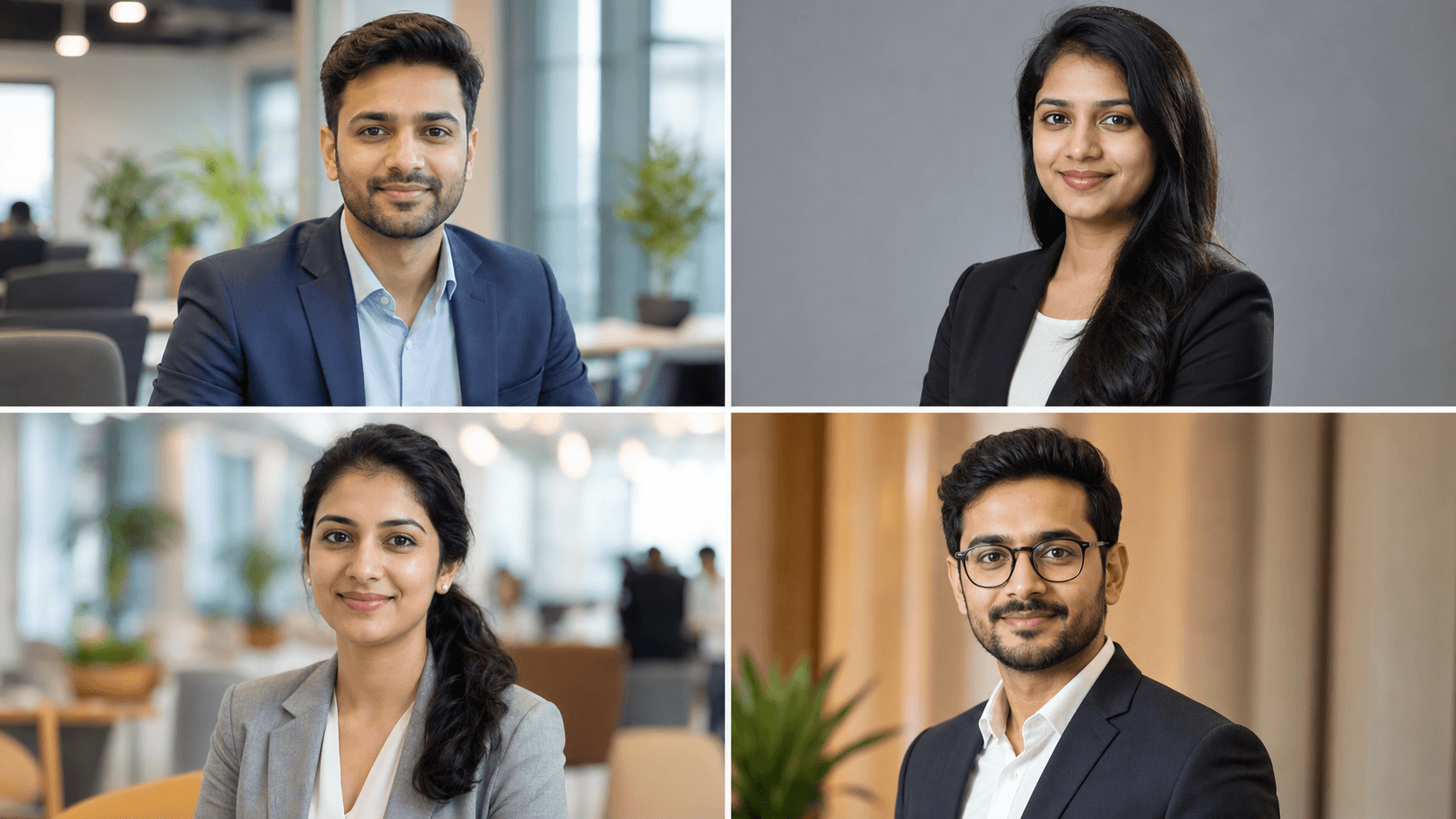
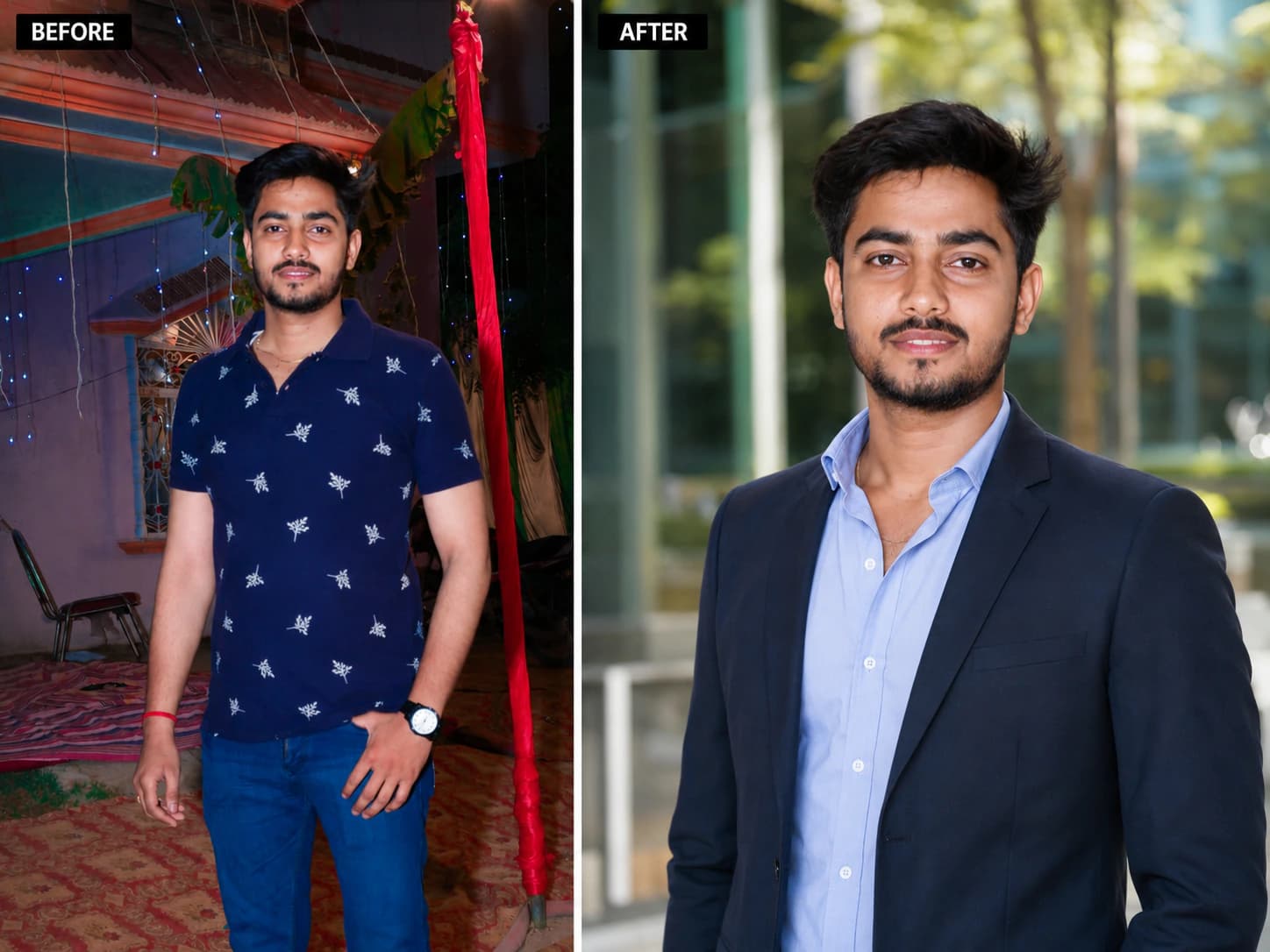
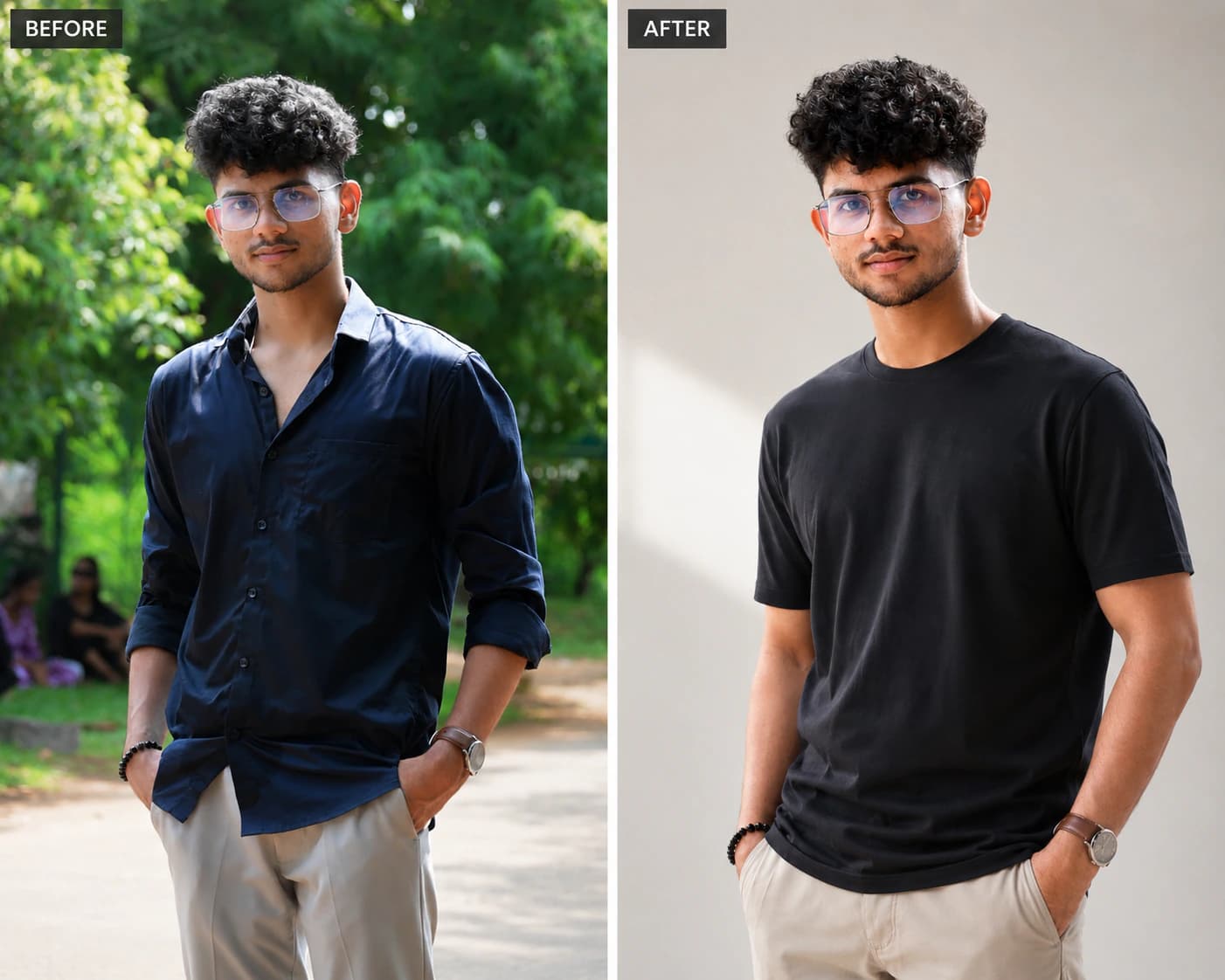
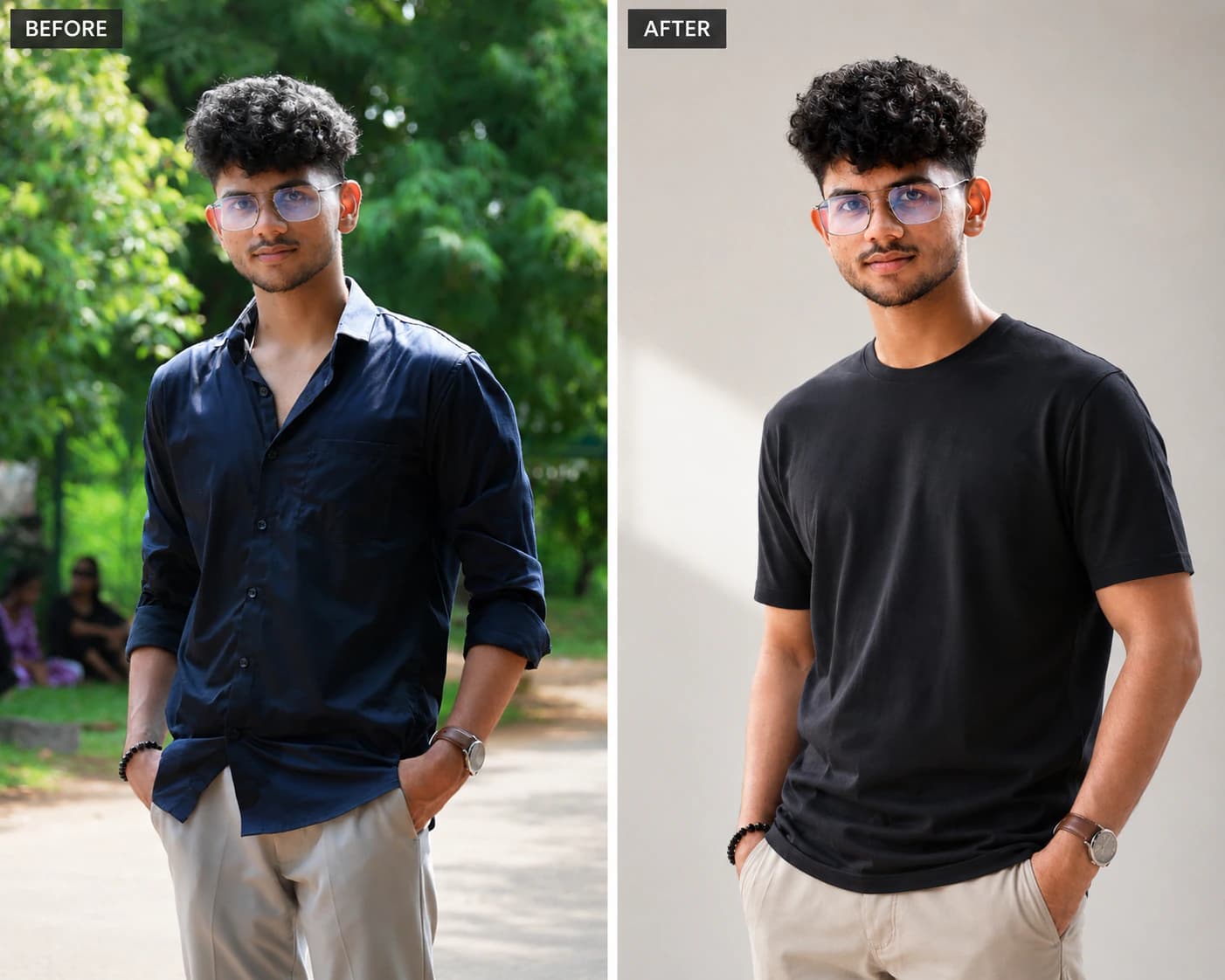
These examples show the visual difference between a casual source photo, a professional AI headshot, and a LinkedIn-ready profile picture. Use them before choosing a generator style.

Gallery
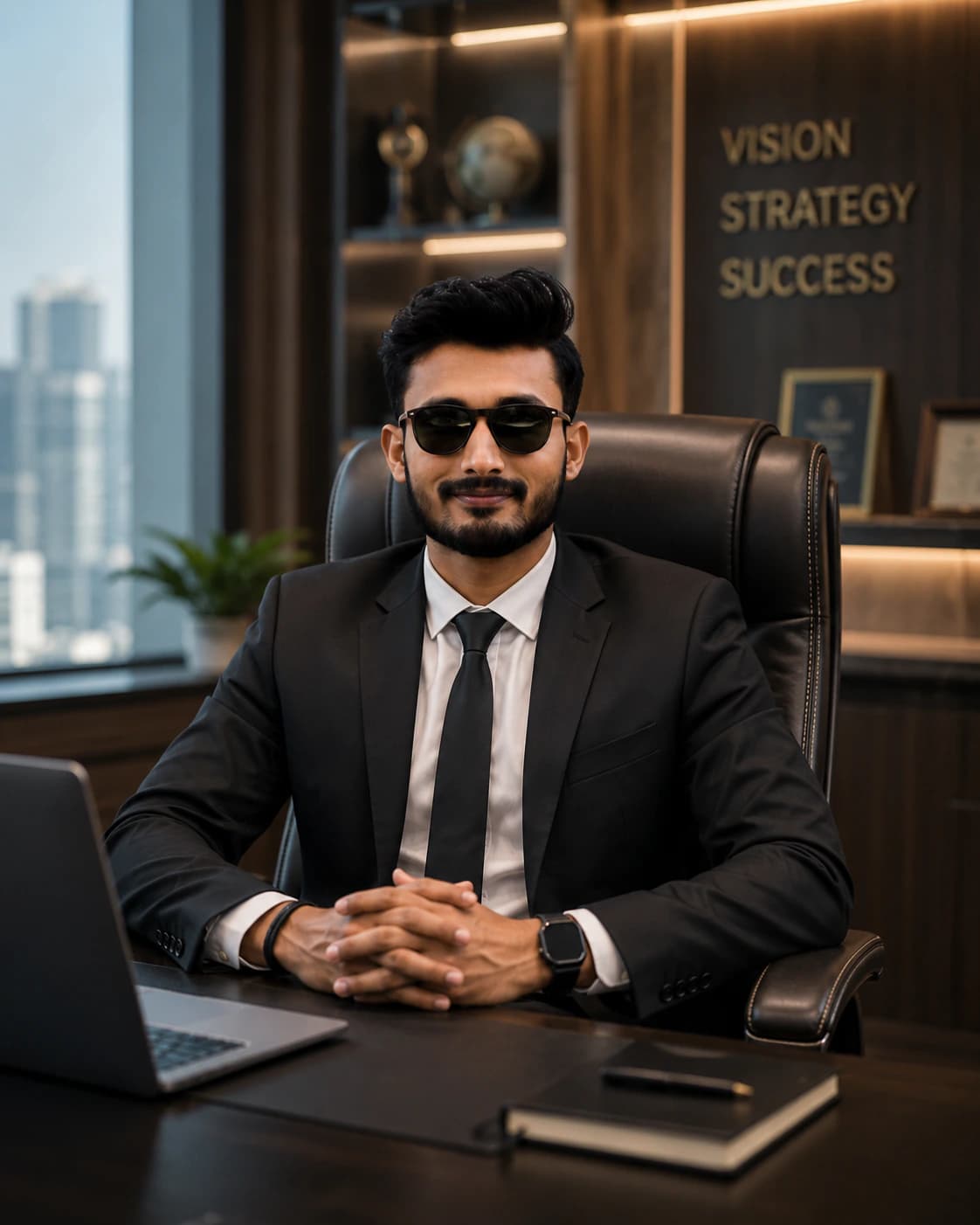
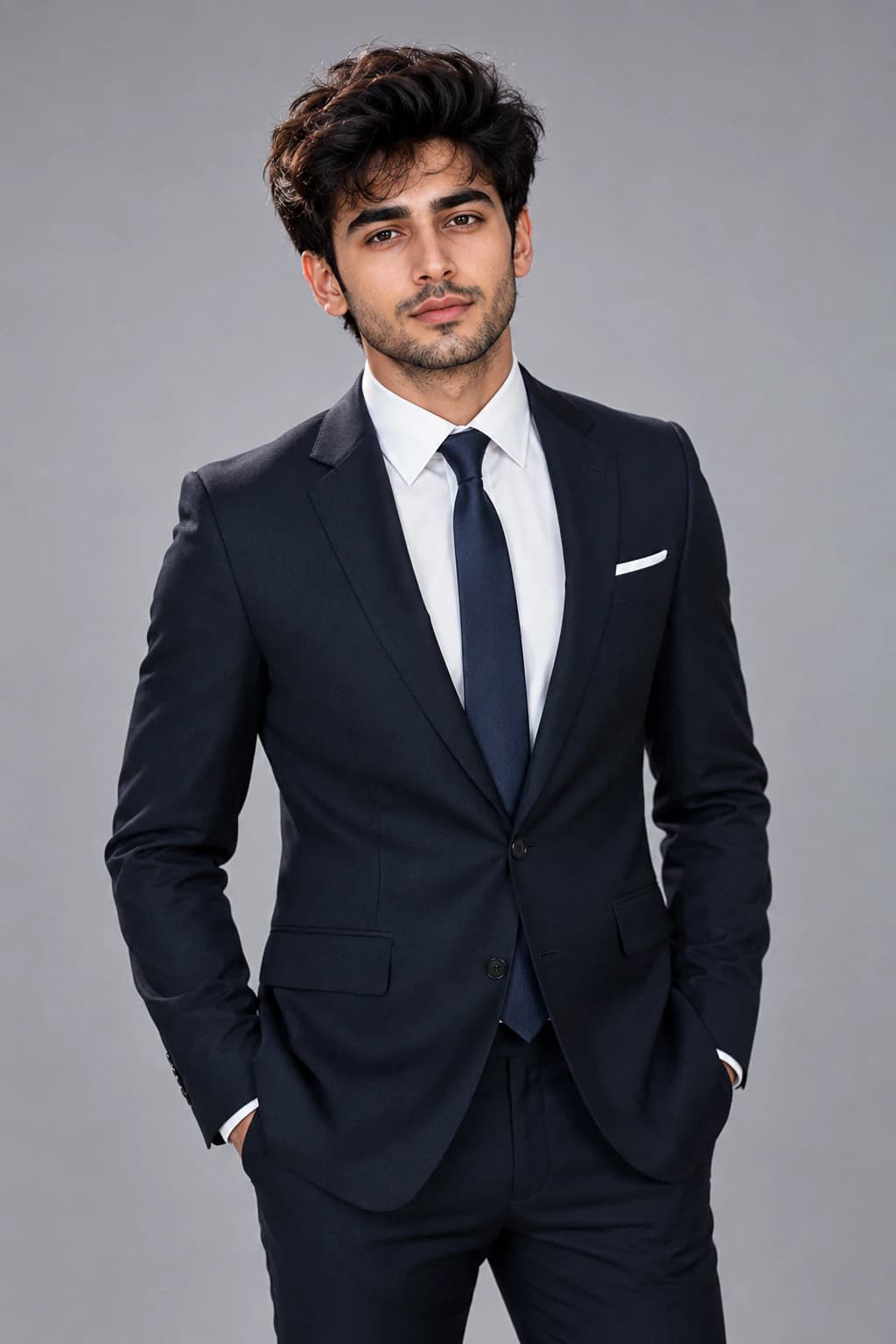
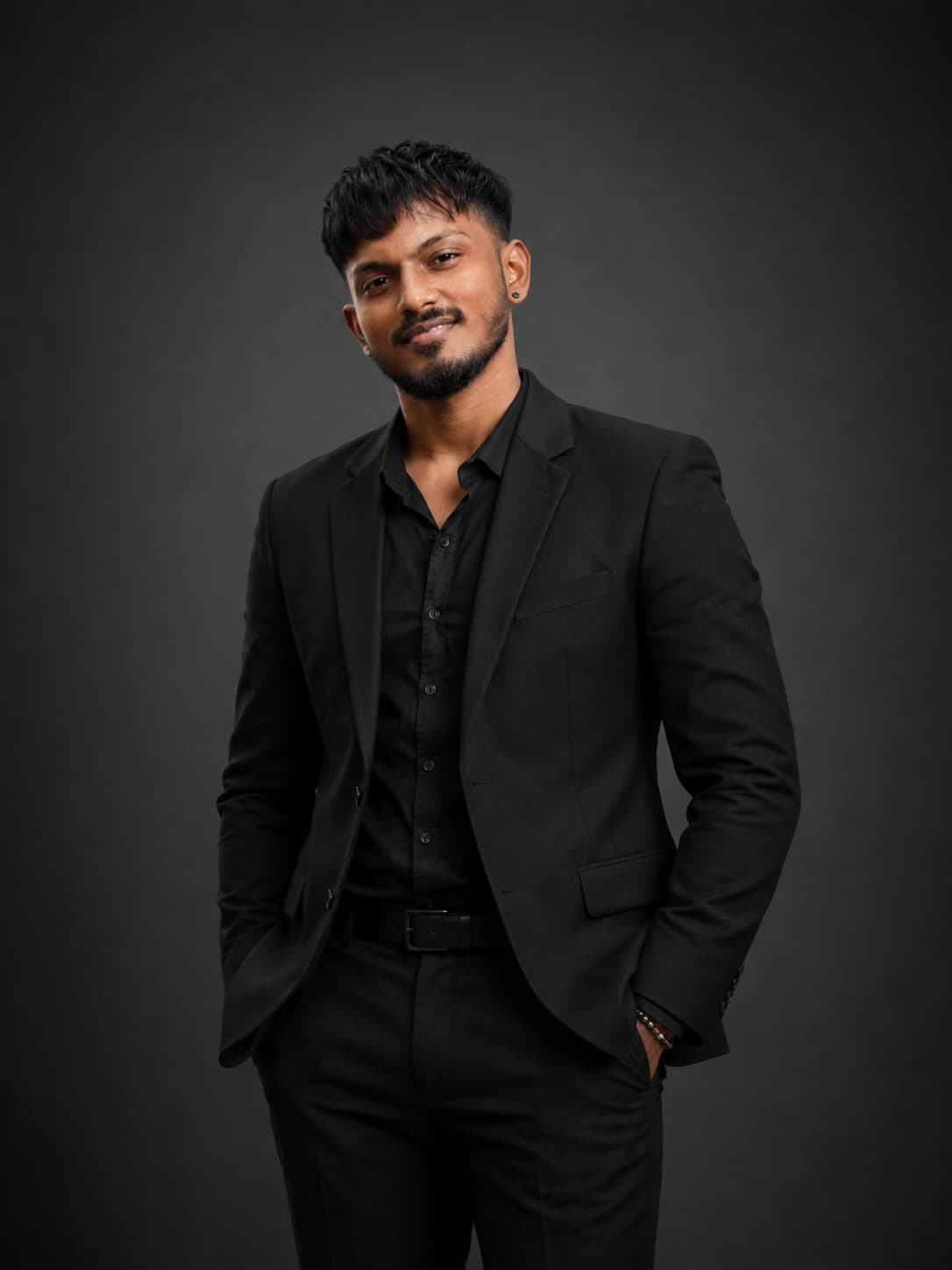
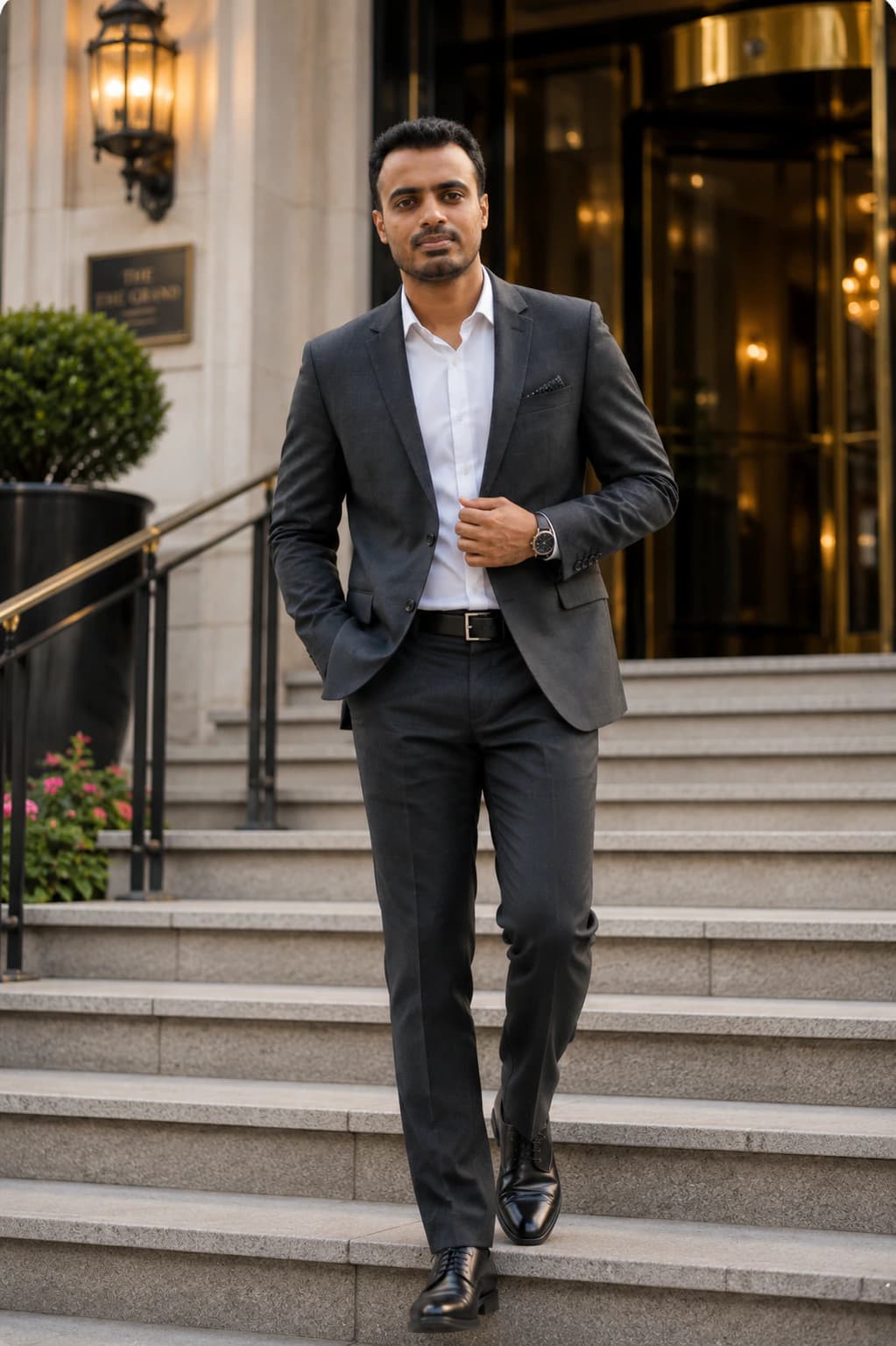
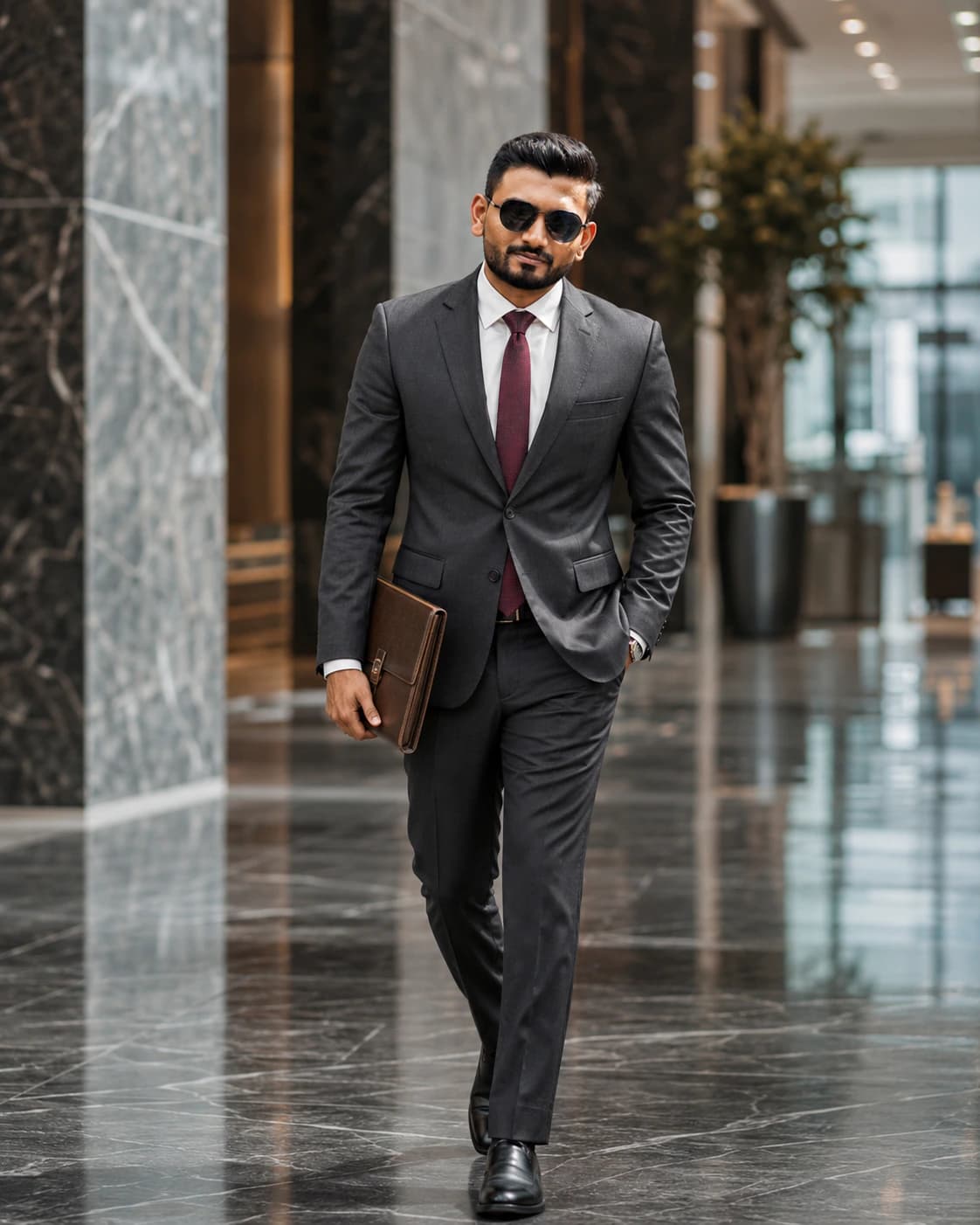
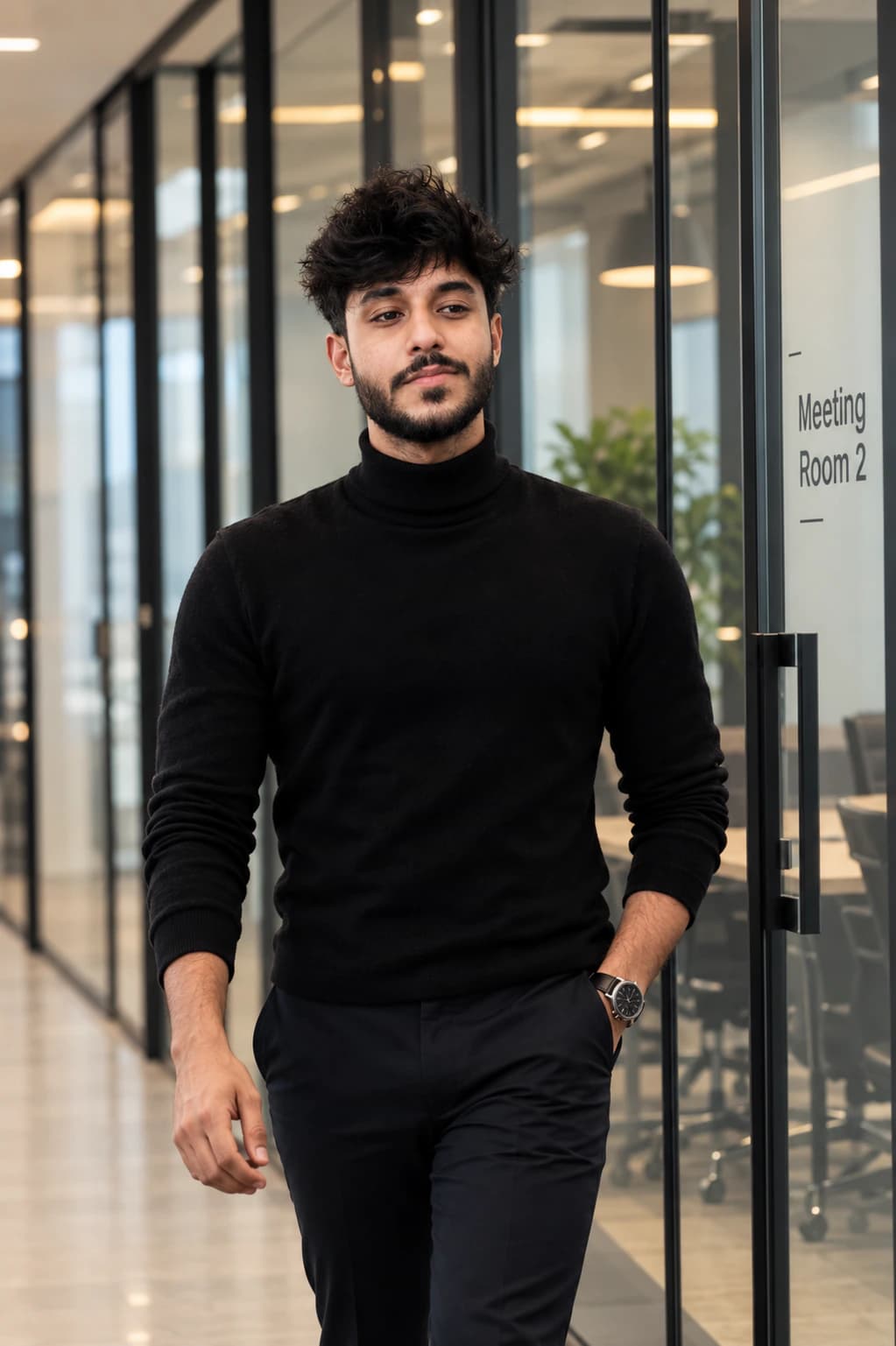
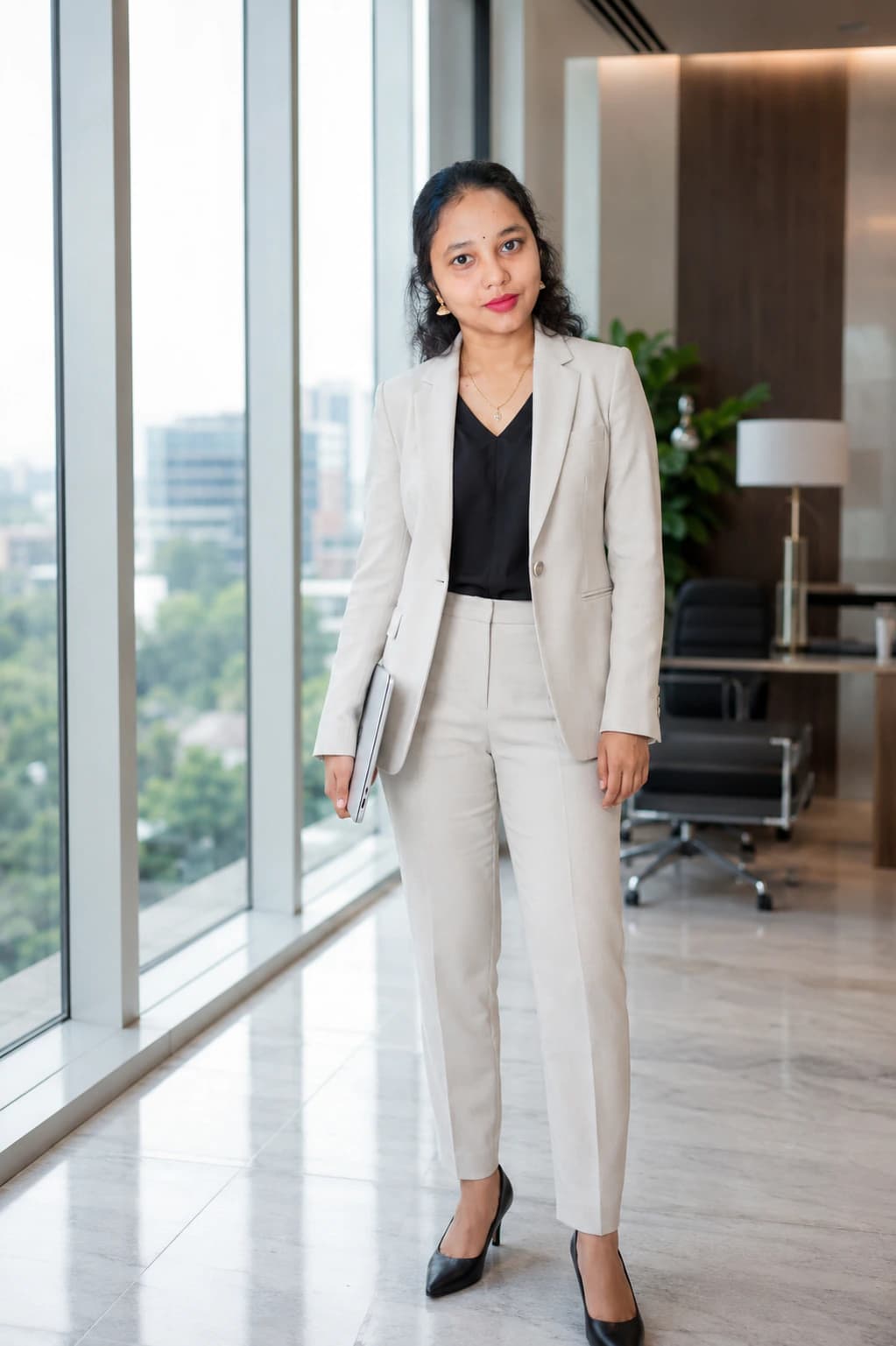
LinkedIn headshot examples and profile photo styles
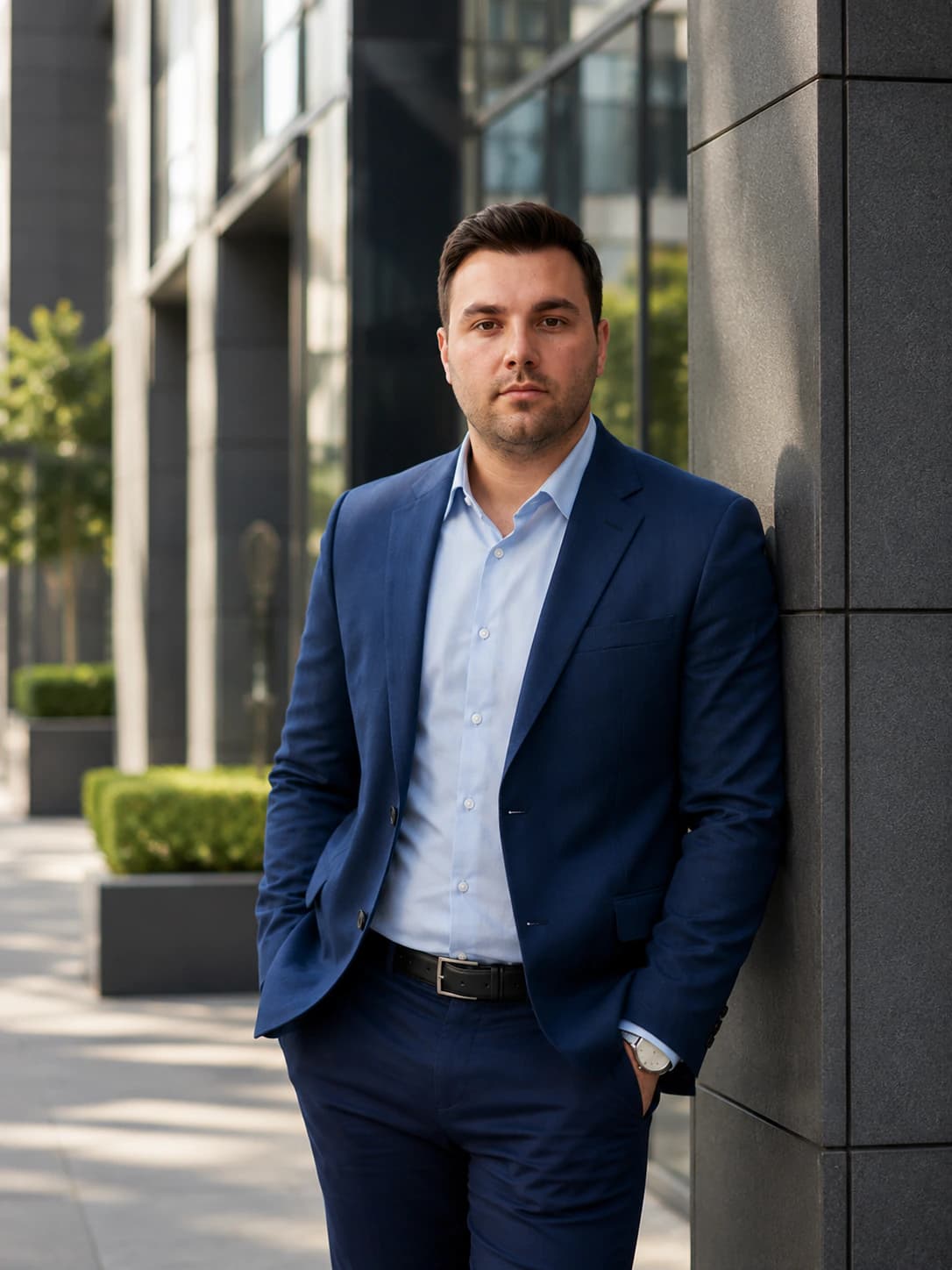
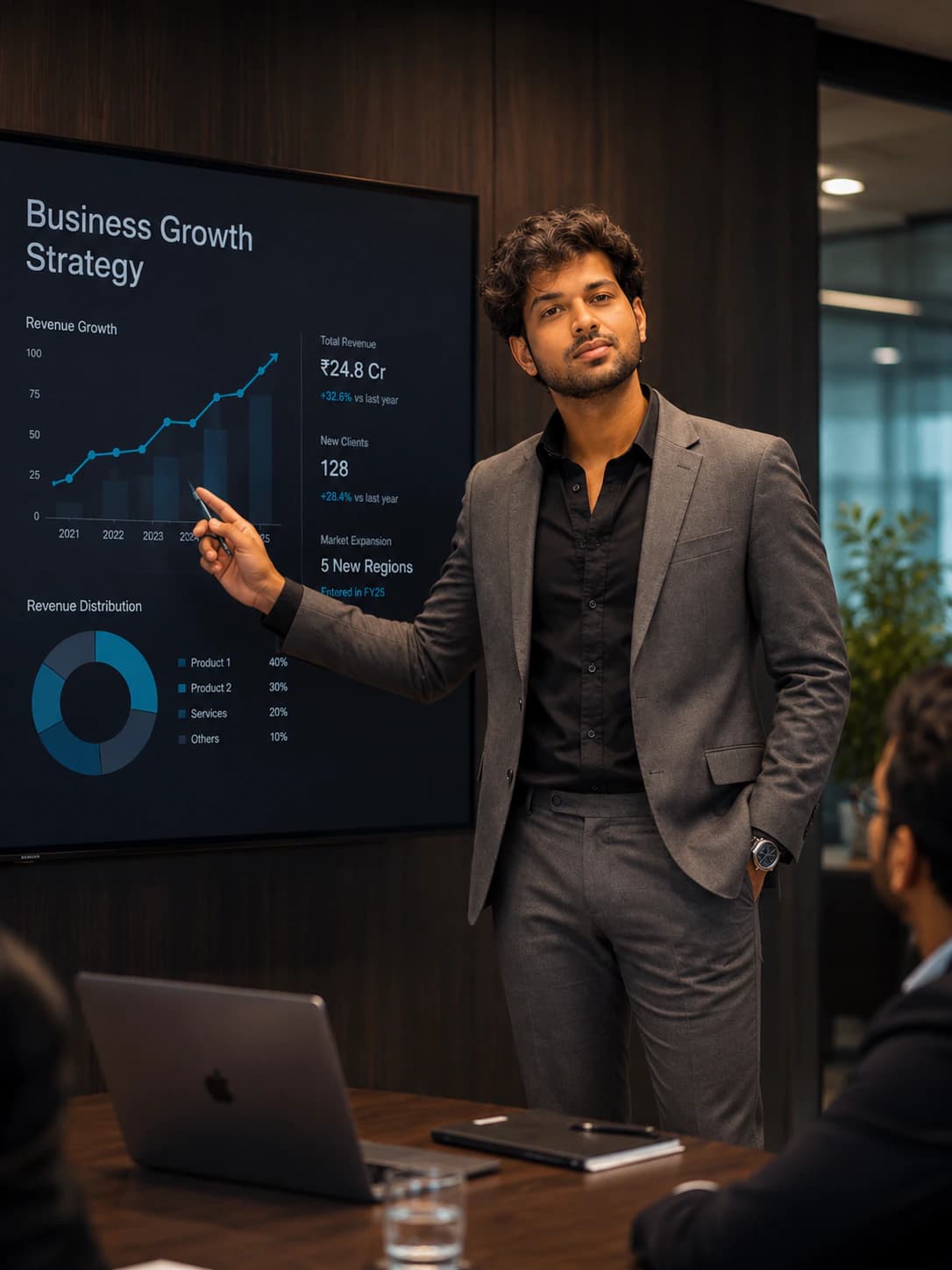
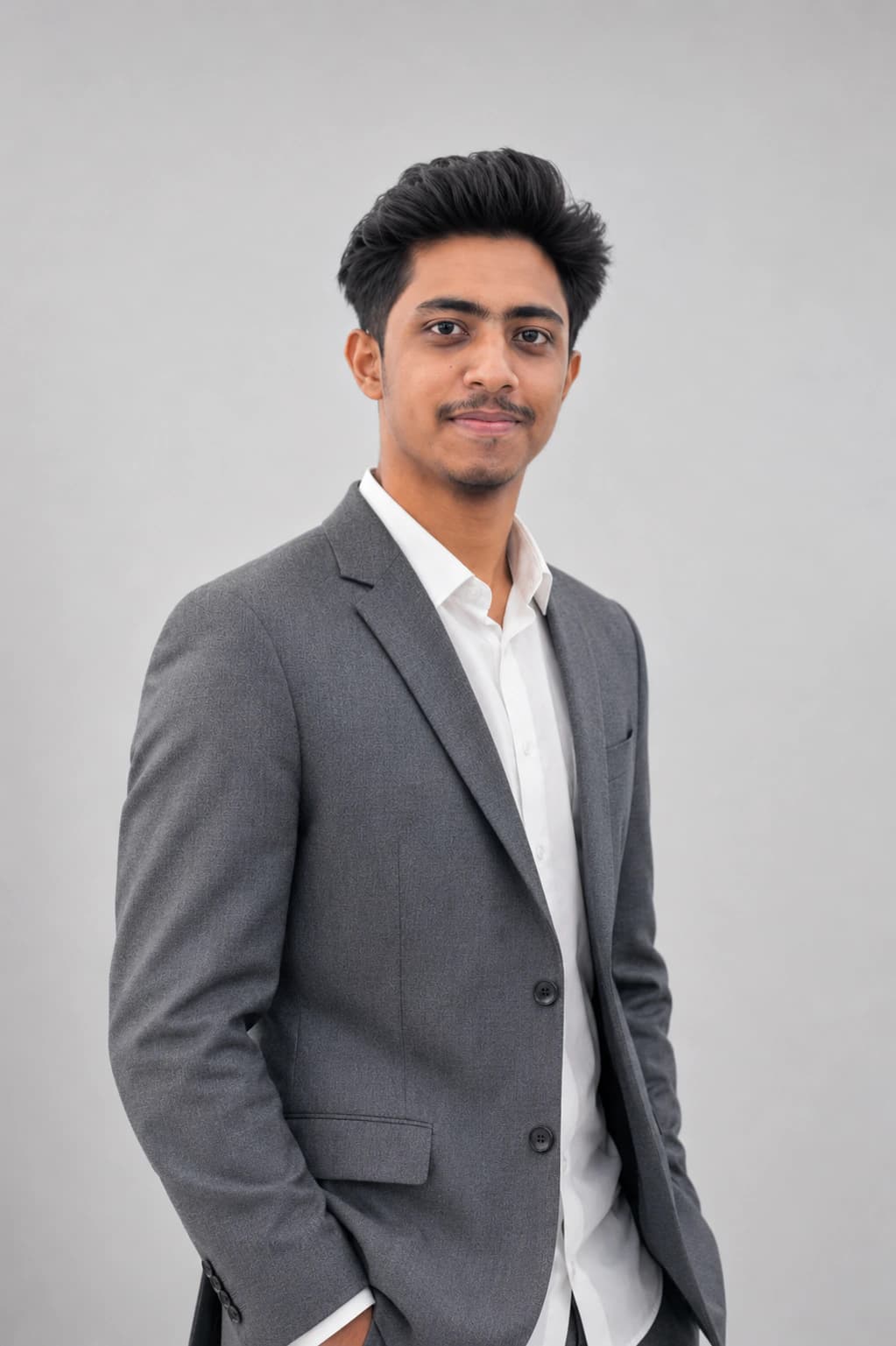
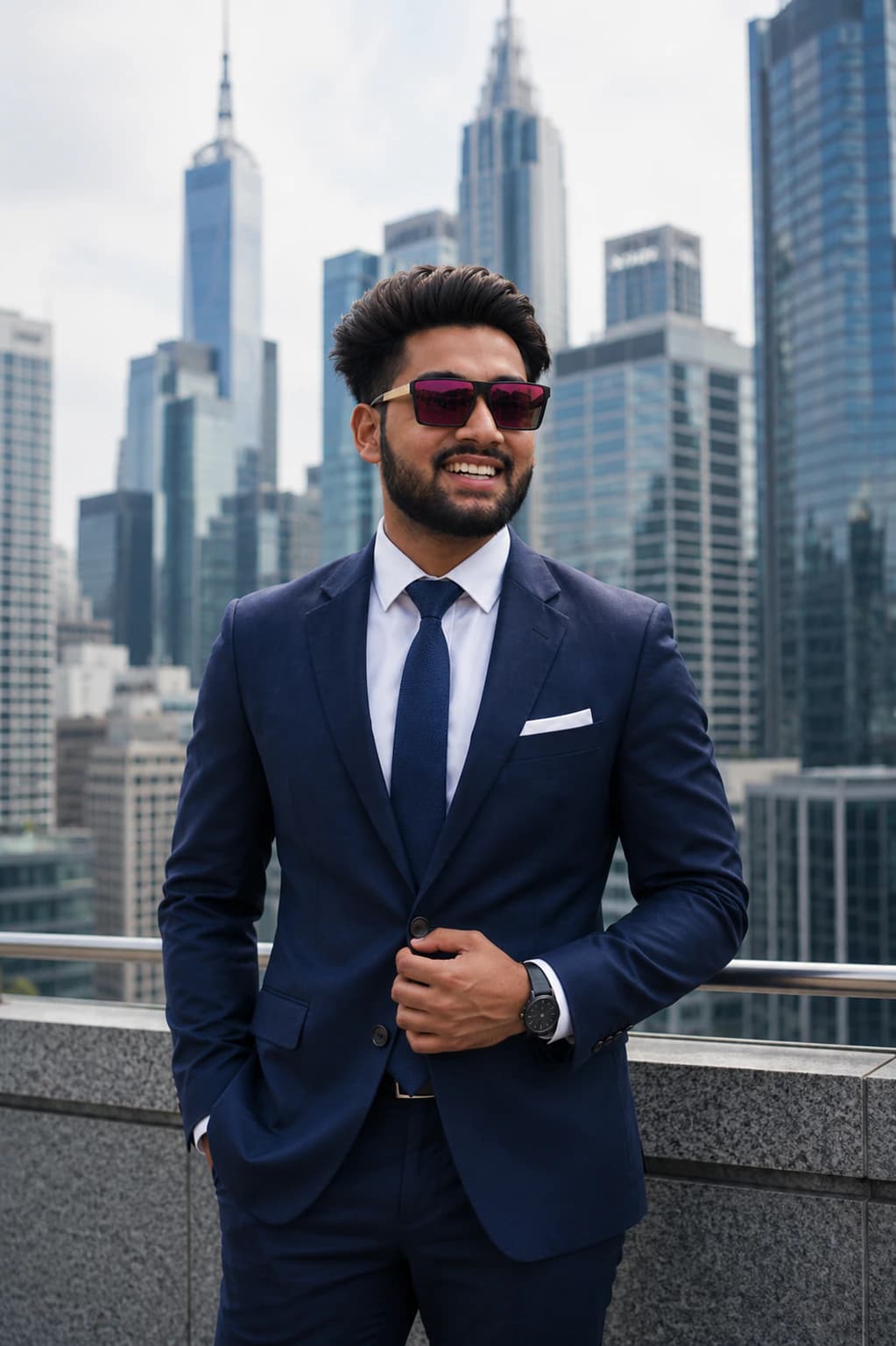
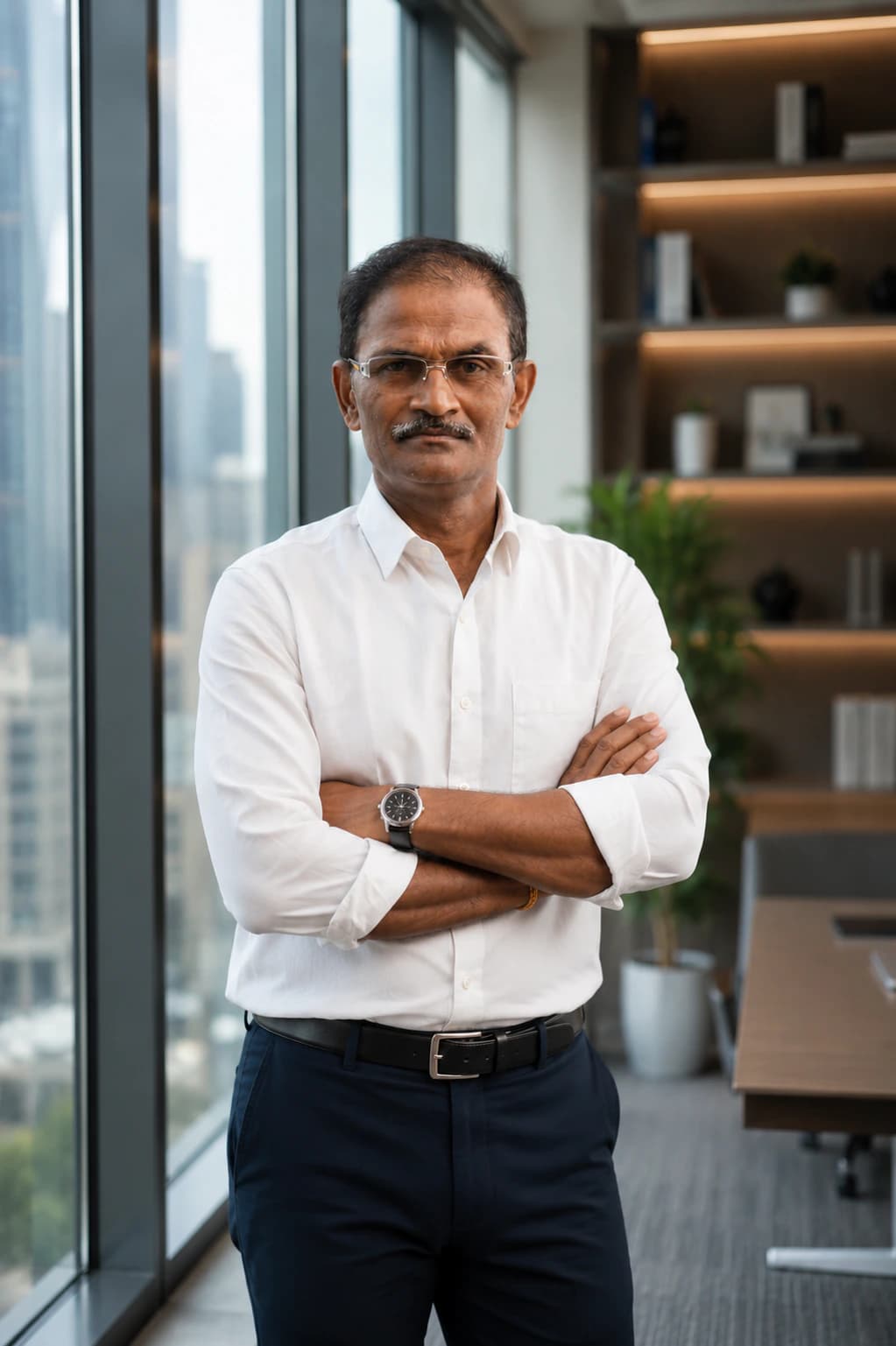
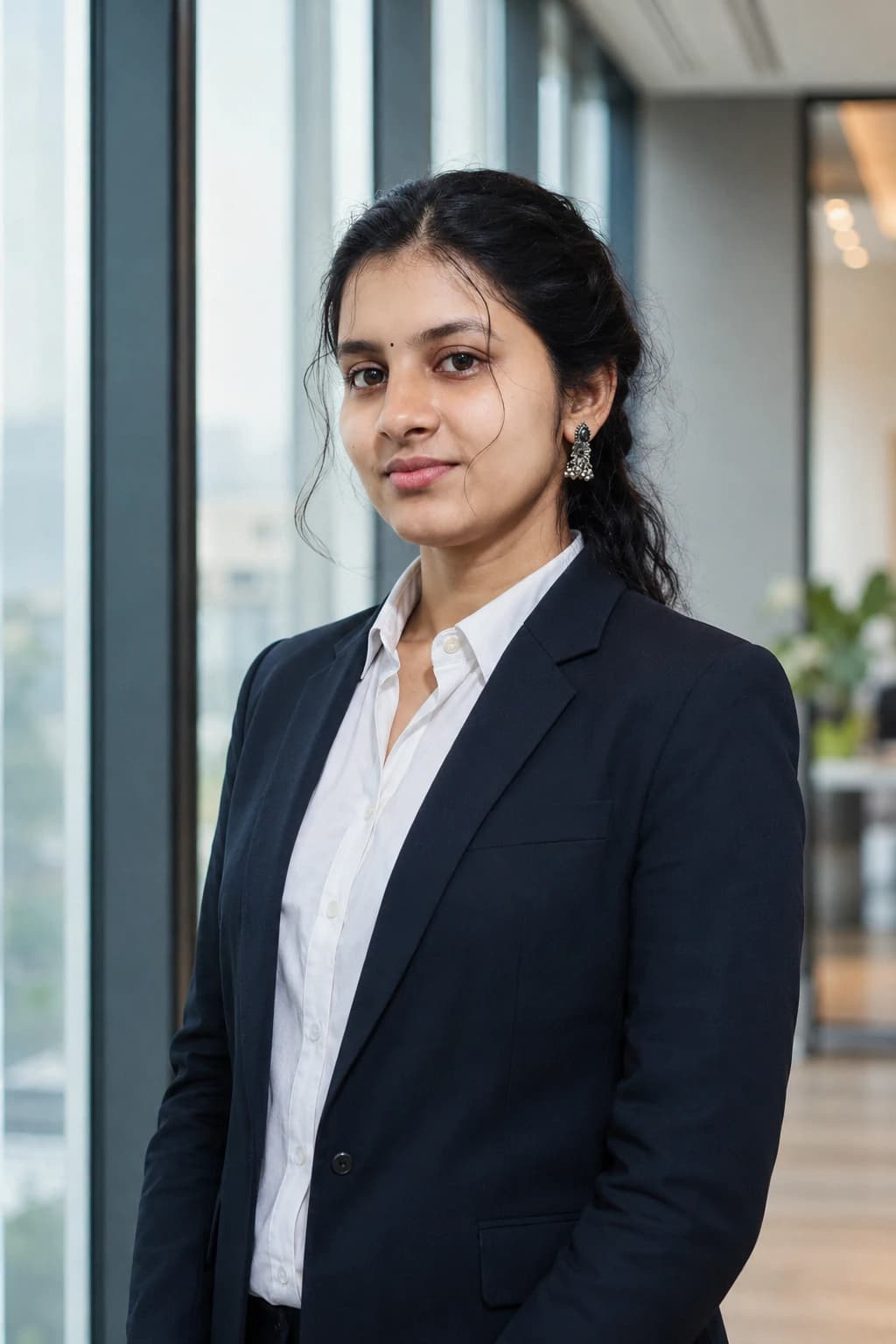
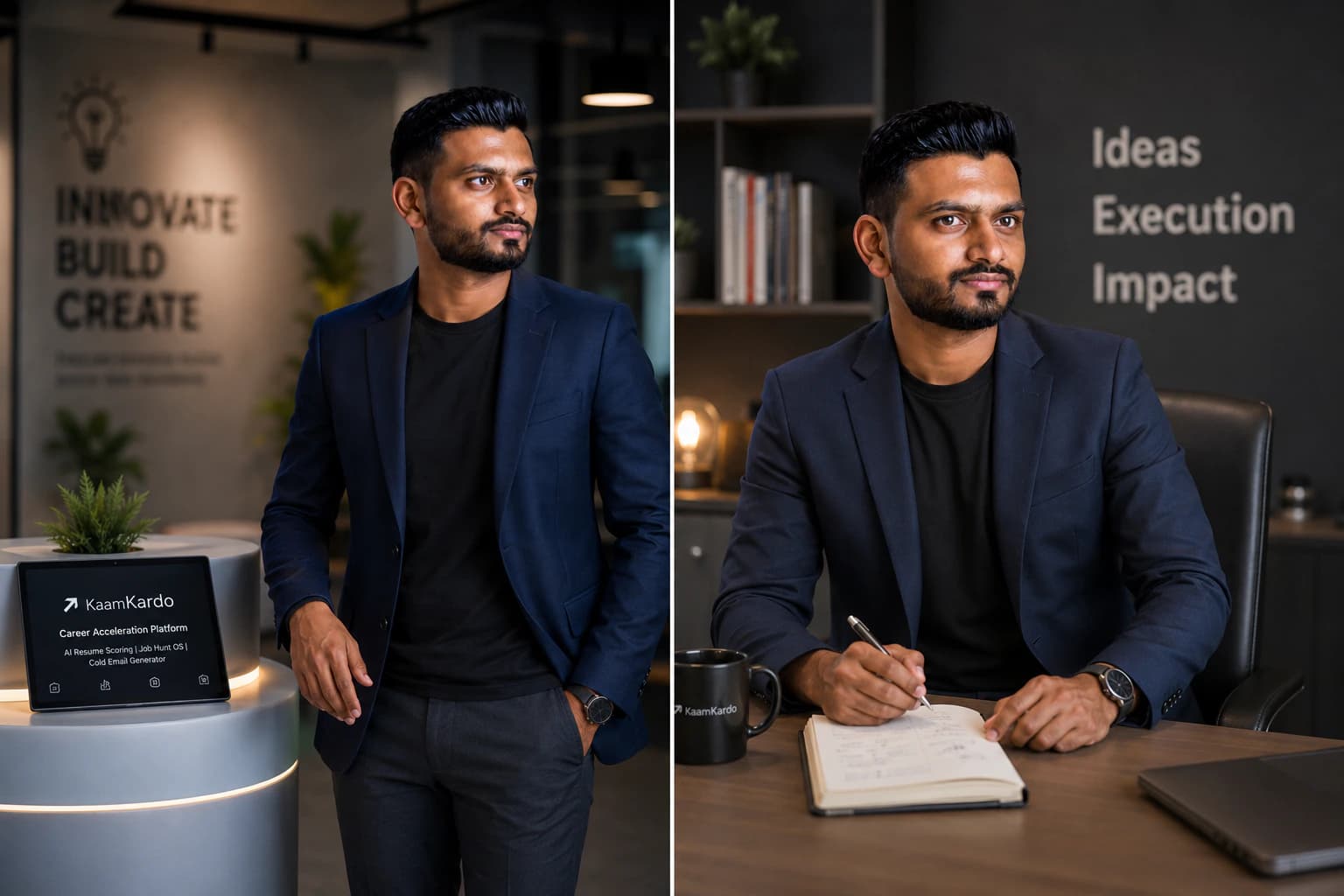
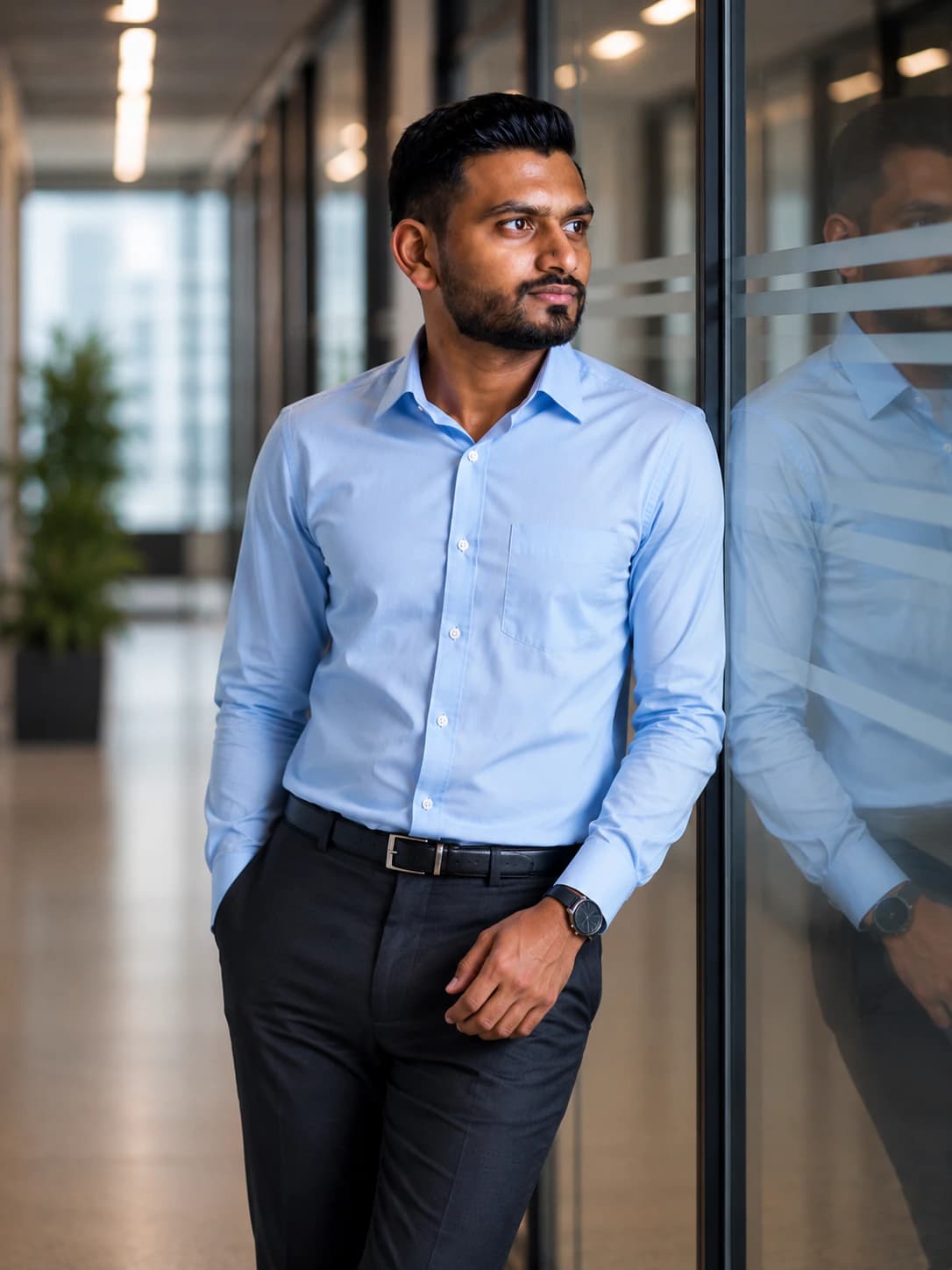
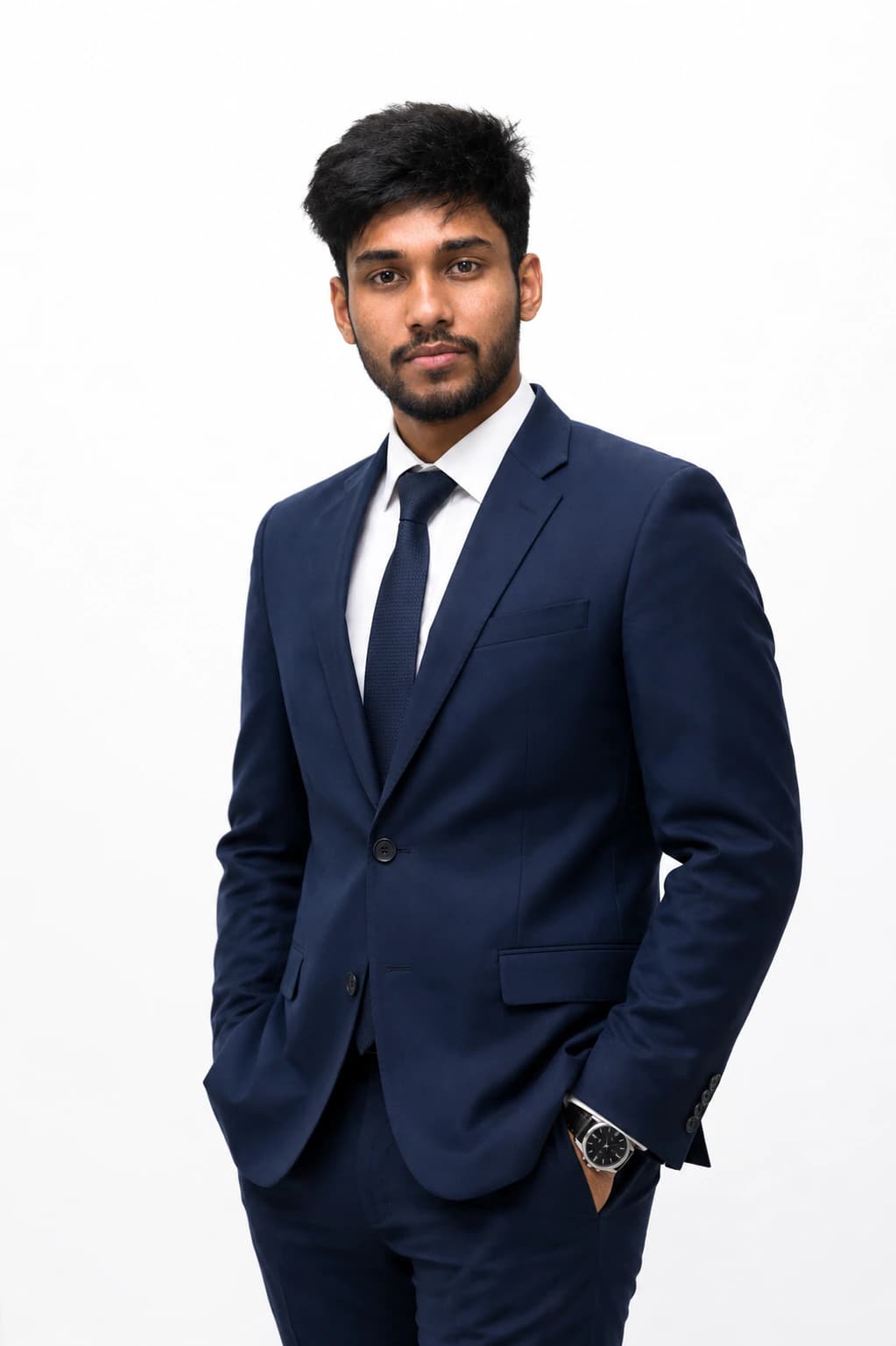
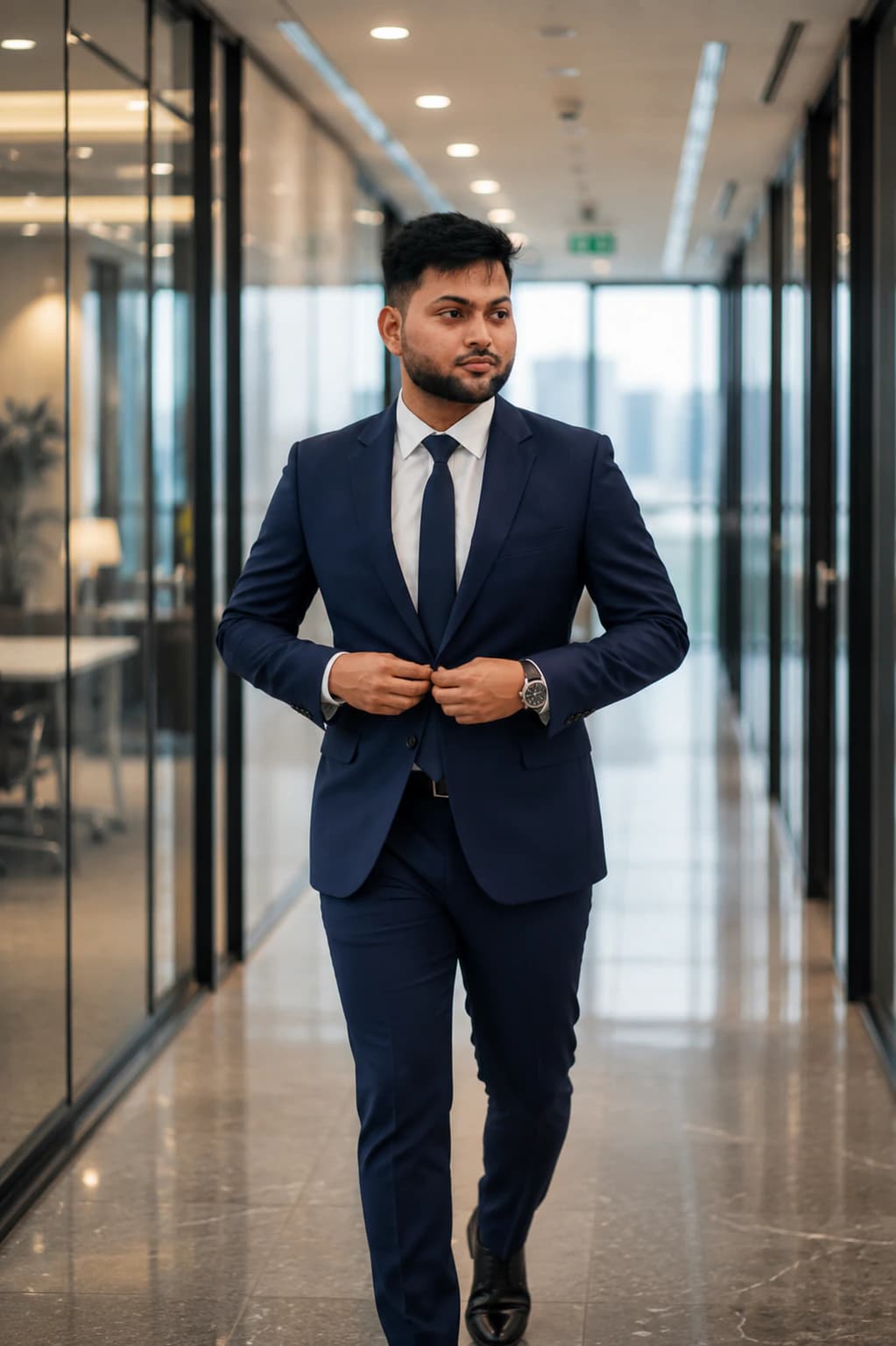
Use these examples to compare formal, office, executive, founder-ready, student, and business casual LinkedIn profile photo styles. Each card links to the style or prompt behind the image so the gallery is useful, searchable, and actionable.




Before and after
Before and after AI LinkedIn headshot transformation
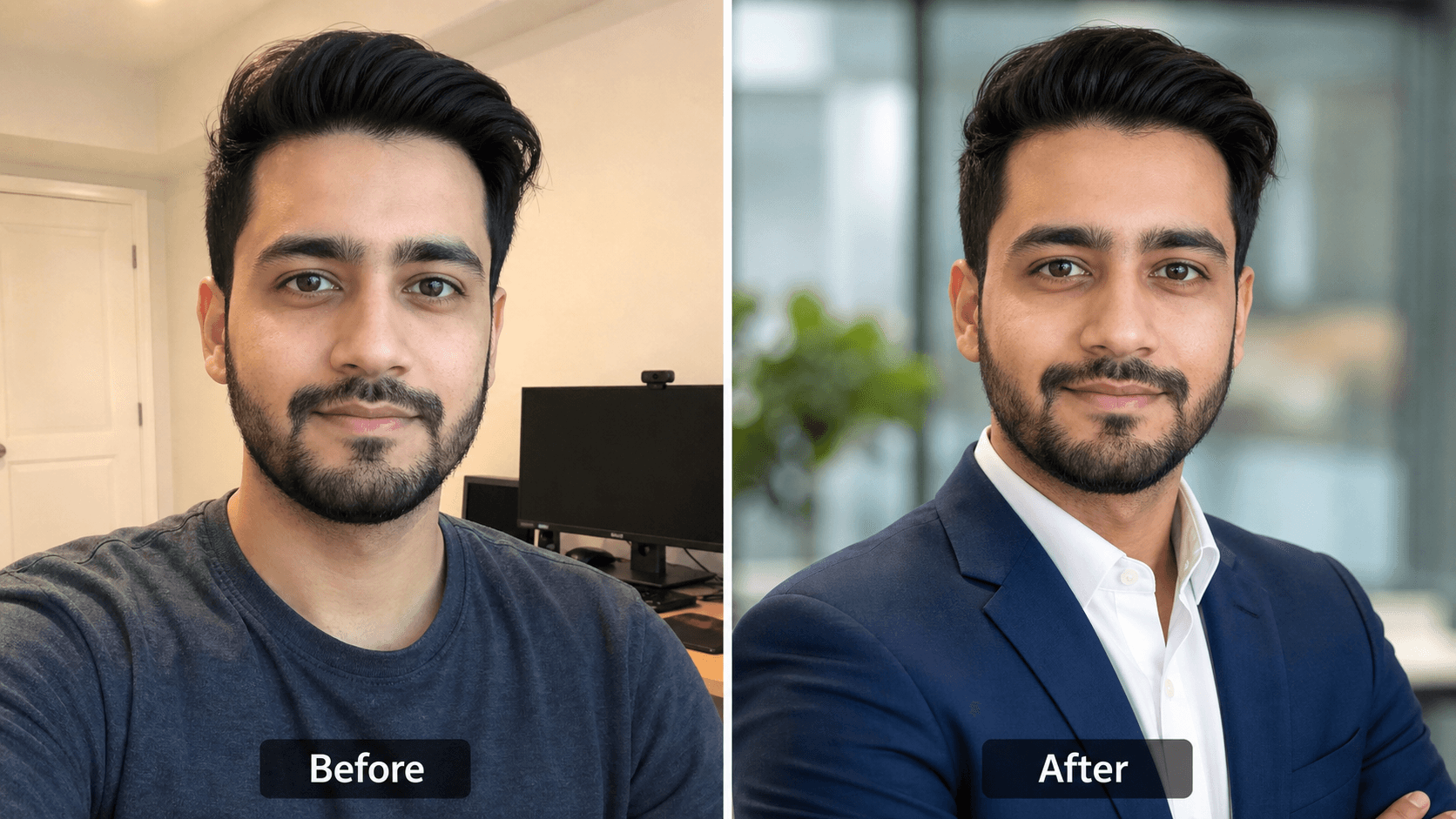
The goal is not to make a fake face. A strong AI LinkedIn headshot keeps your identity intact and improves the parts that matter in search, recruiter previews, comments, and profile visits: lighting, outfit, background, crop, and small-size readability.
Casual selfie
Phone angle, uneven light, background clutter, and no professional context.
AI headshot
Cleaner outfit, soft studio light, neutral background, and a recruiter-friendly crop.
LinkedIn preview
Readable face, centered eyes, visible shoulders, and safe space for the circular profile photo.
Prompt workflow
From source photo to LinkedIn profile preview
The strongest LinkedIn headshot pages show the transformation. PromptKosh styles follow the same decision path: start with a source image, choose and copy a tested prompt, use it in your preferred AI tool, then check how the result reads as a LinkedIn profile photo.
Copy the LinkedIn headshot prompt guideOriginal selfie
Start with a clear, recent face photo where eyes, hairline, and expression are visible.
AI-tool result
Use the copied prompt in your preferred AI tool for professional clothing, lighting, background, and crop.
LinkedIn preview
Judge the result as a small circular profile photo, not only as a large portrait.
Prompt used
Open the style page to read the full prompt and copy it.
Choose a clear source photo
Start with a recent photo where your face is visible and not heavily filtered.
Choose a prompt
Pick corporate, executive, office, founder, business casual, or student looks.
Use your AI tool
Paste the full prompt into the image tool you already use.
Use on LinkedIn
Choose the strongest result and upload it as your profile photo.
AI LinkedIn headshots vs photographer
AI headshots are faster and cheaper; a photographer still makes sense for major executive campaigns or press work.
Read the full comparisonLinkedIn headshot pricing
Studio sessions add photographer fees, editing, and retakes. PromptKosh publishes the prompt text free to copy; AI image-tool costs, if any, depend on the tool you choose.
Compare LinkedIn headshot costsStyle guide
Best LinkedIn profile photo styles
Corporate LinkedIn Headshot
Best for consultants, finance professionals, lawyers, executives, and anyone applying for formal business roles.
Business Casual Headshot
Best for software engineers, product managers, marketers, remote workers, and modern workplace profiles.
Founder or Executive Portrait
Best for startup founders, leadership pages, investor profiles, podcasts, speaker bios, and personal branding.
Student LinkedIn Photo
Best for internships, campus placements, entry-level job searches, and early professional credibility.
Style collections
Choose a LinkedIn profile photo style by task
The right professional LinkedIn headshot depends on the job you want the photo to do. Use these style collections to compare the visual signal before generating.
Corporate profile photo
Formal blazer, neutral studio background, controlled light, and a composed expression for finance, consulting, legal, and enterprise roles.
Modern business casual
Clean shirt or light blazer, soft office background, natural smile, and approachable framing for tech, marketing, product, and remote teams.
Executive LinkedIn portrait
Premium outfit styling, confident posture, subtle background depth, and leadership-ready lighting for founders, speakers, and senior operators.
Student LinkedIn headshot
Fresh, career-ready styling with simple clothing, friendly expression, and uncluttered background for internships and first job searches.
Recruiter-friendly profile photo
Sharp face visibility, readable small-size crop, direct eye contact, and realistic skin texture so the image feels trustworthy in search results.
Founder personal-brand photo
A warmer executive look with modern office cues, confident expression, and enough personality for bios, pitch decks, podcasts, and LinkedIn posts.
Industries
LinkedIn headshots by profession
Different roles need different trust signals. A lawyer may need authority and polish, while a software engineer may need a modern, approachable business casual image. Use profession-specific guidance when choosing your final style.
Best by role
Best LinkedIn headshot by role
The best LinkedIn headshot for a student is not the same as the best headshot for a lawyer, founder, recruiter, doctor, or software engineer. Pick the style that matches the trust signal your audience expects.
Knowledge base
LinkedIn headshot guides
These guides cover everything around LinkedIn headshots: prompts, examples, backgrounds, poses, outfits, sizing, cost, common mistakes, and AI photo quality.
Read the LinkedIn headshot prompt guideProfile photo checklist
What makes a good LinkedIn headshot?
Your face is sharp, centered, and easy to recognize in LinkedIn's small circular crop.
Your outfit matches the role you want, from formal suit to polished business casual.
The background is clean, professional, and not more interesting than your face.
Lighting is soft and even, with no harsh shadows or phone-camera distortion.
Your expression feels confident, approachable, and natural for your industry.
The photo feels current, realistic, and consistent with how you would appear in a professional meeting.
FAQ
LinkedIn headshot questions
What is a LinkedIn headshot?
A LinkedIn headshot is a clear professional profile photo designed for LinkedIn. It usually shows your face and shoulders, uses clean lighting, avoids distracting backgrounds, and presents you as credible for hiring, networking, sales, recruiting, or business conversations.
Can I use an AI-generated headshot on LinkedIn?
Yes, if the result still looks like you and feels realistic. The best AI LinkedIn headshots preserve identity, avoid over-editing, use professional clothing, and look natural enough for recruiters or clients to trust.
What makes a good LinkedIn headshot?
A good LinkedIn headshot has sharp face visibility, natural expression, balanced lighting, a clean crop, professional outfit styling, and a background that supports your role without pulling attention away from your face.
Should I smile in my LinkedIn profile photo?
A natural smile usually works well because LinkedIn is a trust-driven platform. For executive, legal, or finance profiles, a calmer expression can also work if it feels confident rather than severe.
What should I wear for a LinkedIn headshot?
Choose clothes that match the roles you want. Suits and blazers work for formal industries, while clean business casual outfits work well for technology, startups, marketing, recruiting, and student profiles.
What background is best for LinkedIn?
Neutral studio backgrounds, soft office backgrounds, and modern workplace backgrounds are usually best. Avoid messy rooms, busy street scenes, harsh colors, and anything that makes the image feel casual or distracting.
How is an AI LinkedIn headshot different from a selfie?
A selfie often has casual lighting, phone distortion, and an informal background. A well-written LinkedIn headshot prompt can guide your preferred AI tool toward more polished lighting, professional clothing, and LinkedIn-ready framing.
Are AI LinkedIn headshots cheaper than a photographer?
AI headshots are usually faster and more affordable than a studio photoshoot. A photographer may still be better for high-touch executive campaigns, but AI works well when you need professional options quickly.
How many LinkedIn headshot prompts should I try?
Try a few styles so you can compare formal, business casual, executive, and friendly profile options. The best final choice should match your industry and the type of opportunity you want to attract.
Can students use professional LinkedIn headshots?
Yes. Students benefit from a clean, career-ready photo because recruiters often review LinkedIn profiles before interviews, internships, campus hiring, and networking conversations.
What is the best headshot for LinkedIn?
The best headshot for LinkedIn is a recent head-and-shoulders photo with a sharp face, direct eye contact, natural expression, professional clothing, soft light, and a clean background. It should look like you on a professional day, not like a different person.
How do I make a professional LinkedIn photo from a selfie?
Start with a clear selfie where your face is visible, then use a professional headshot prompt in your chosen AI tool. Keep identity preservation strict: do not change face shape, age, skin tone, or hairline.
What is the correct LinkedIn profile picture size?
Use a square image because LinkedIn displays profile pictures in a circular crop. A larger square export such as 800 by 800 or 1024 by 1024 gives cleaner results than uploading a tiny image.
What pose works best for a LinkedIn photo?
A simple head-and-shoulders pose works best. Face the camera or turn slightly toward it, keep shoulders relaxed, show both eyes clearly, and use a confident but approachable expression.
Can I use these prompts with another AI tool?
Yes. PromptKosh publishes the full prompt so you can use it with Gemini, ChatGPT, Grok, Midjourney, or another compatible image tool.
Find your LinkedIn headshot prompt
Start with a style, check the real example, and copy a tested prompt for the AI image tool you already use.